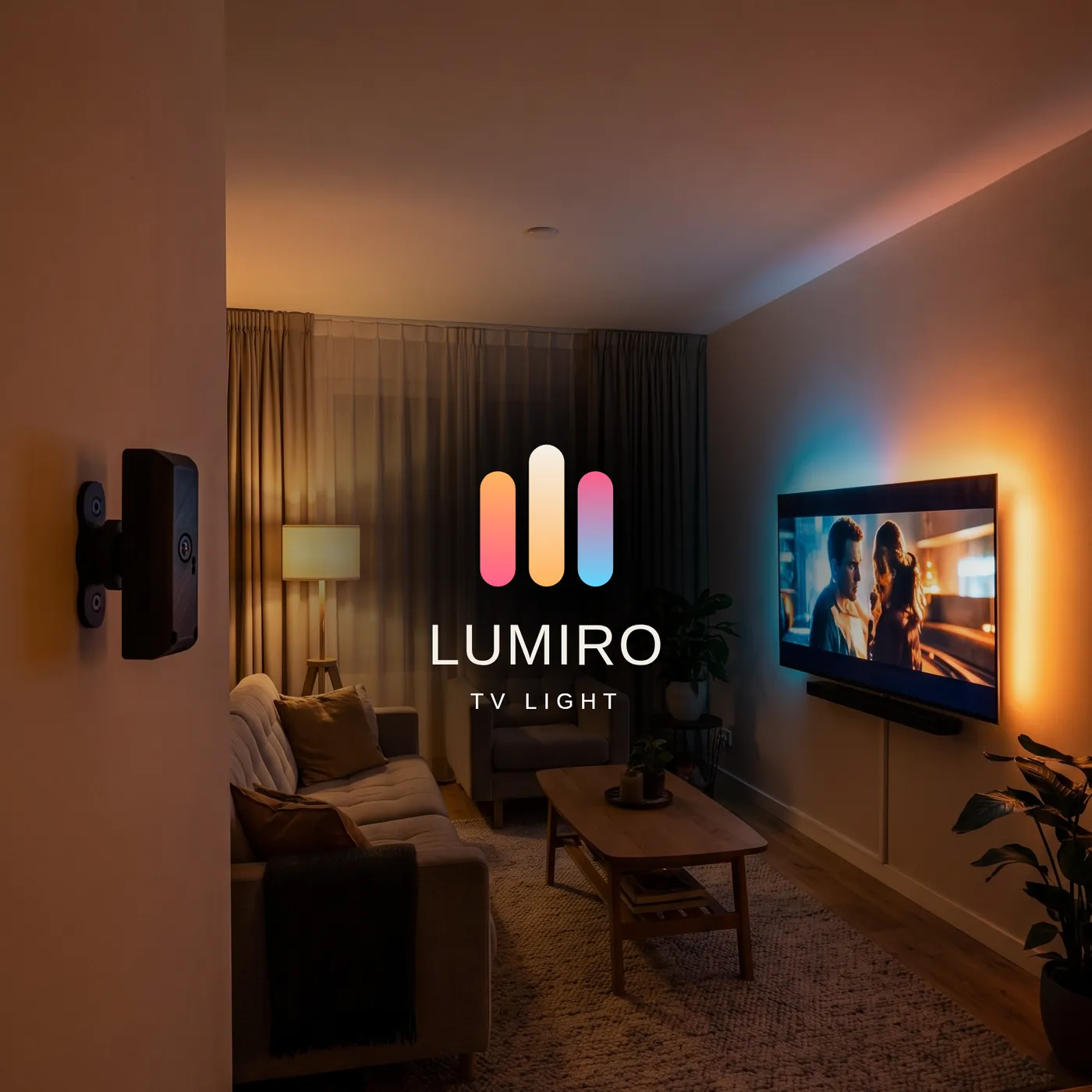
The whole room, in full color.
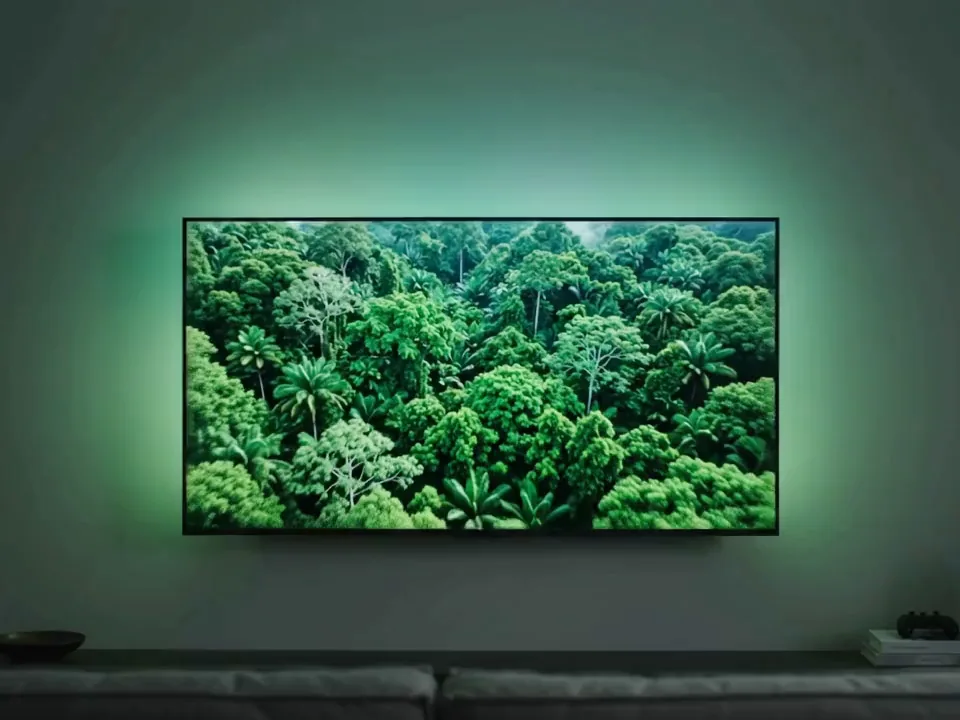
Lumiro watches your TV and lights the wall behind it in real time. No HDMI splitter, no passthrough box — it works with whatever you're watching.
- Cairo shipping
- Cash on delivery
- Prices in EGP
How it works
Nothing sits between your TV and your source. Lumiro just looks at the screen.
-
It watches
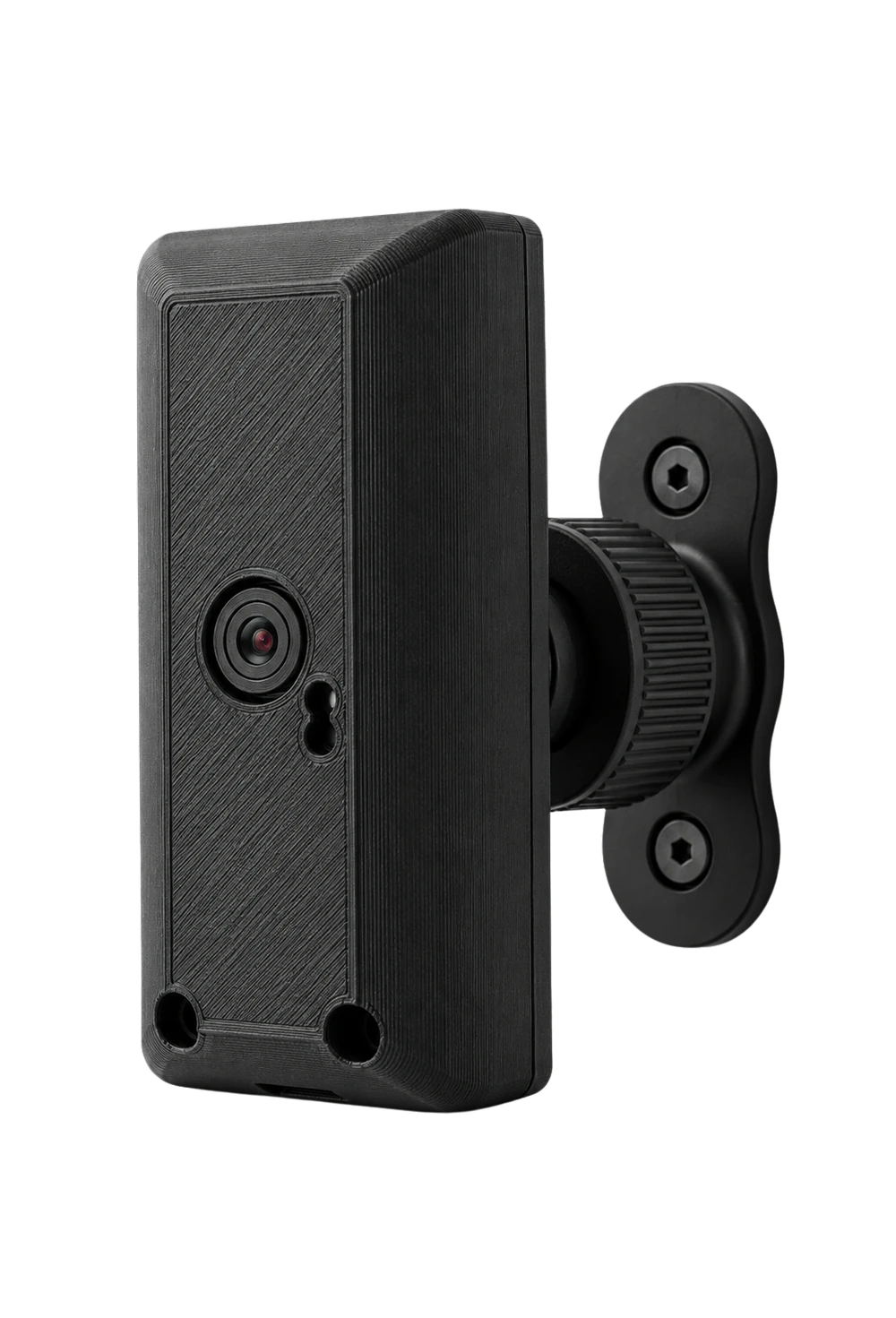
Lumiro sits in front of your TV and watches whatever is playing — apps, consoles, broadcast, a set-top box. Anything you can see, it can see.
-
It reads, on-device
The system splits the picture into a grid of colour zones and samples each one in real time. Nothing is recorded, and nothing is uploaded.
-
It lights the wall
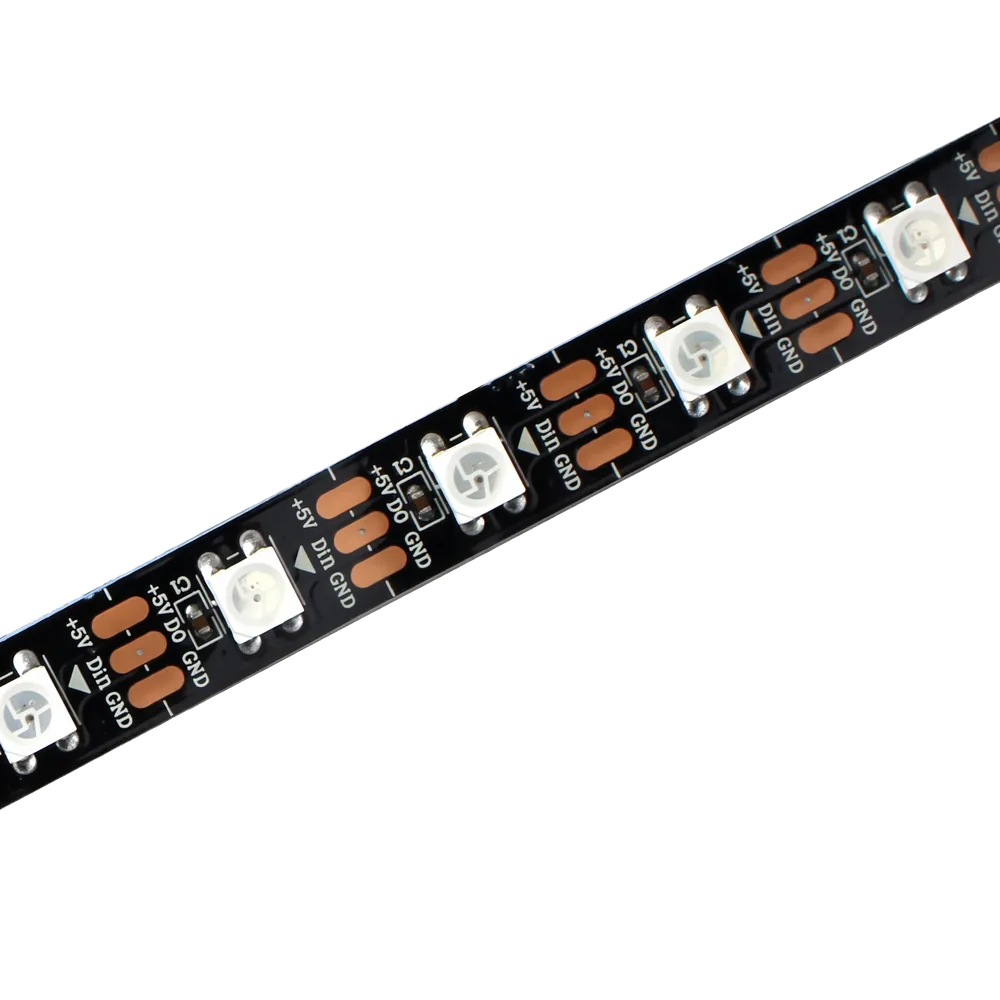
Every zone drives the matching part of the LED strip behind your screen. The glow spills past the edge, so the light reaches well beyond the TV.
Features
-
Any source, no splitter
It reads the screen itself, so it doesn't matter what's playing or which app it comes from.
-
Nothing leaves the room
All of the processing happens on the device. No cloud, no account, no footage sent anywhere.
-
Set up in a browser
Pick your WiFi, draw your LED layout, align the screen crop and calibrate white balance — all from the setup page. No app to install.
-
More than a TV light
The strip runs on WLED, so it works as a normal smart light too — your own colours, effects and schedules whenever screen sync isn't running.
-
Real time, on-board
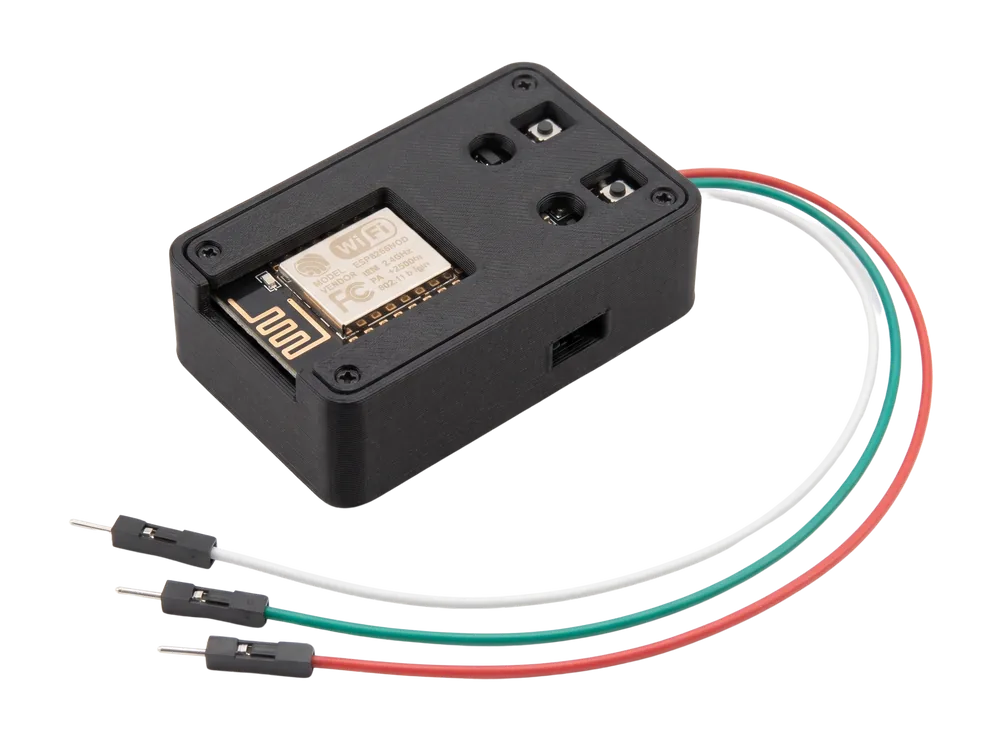
A dual-core controller runs the whole pipeline on-board, so colours chase the picture instead of trailing behind it — under 500 ms end to end.
-
Open and local
It speaks the standard DDP/WLED protocol on your own network — tune it, extend it, or fold it into the tools you already run.
In the box
Everything the system needs — ready to install.
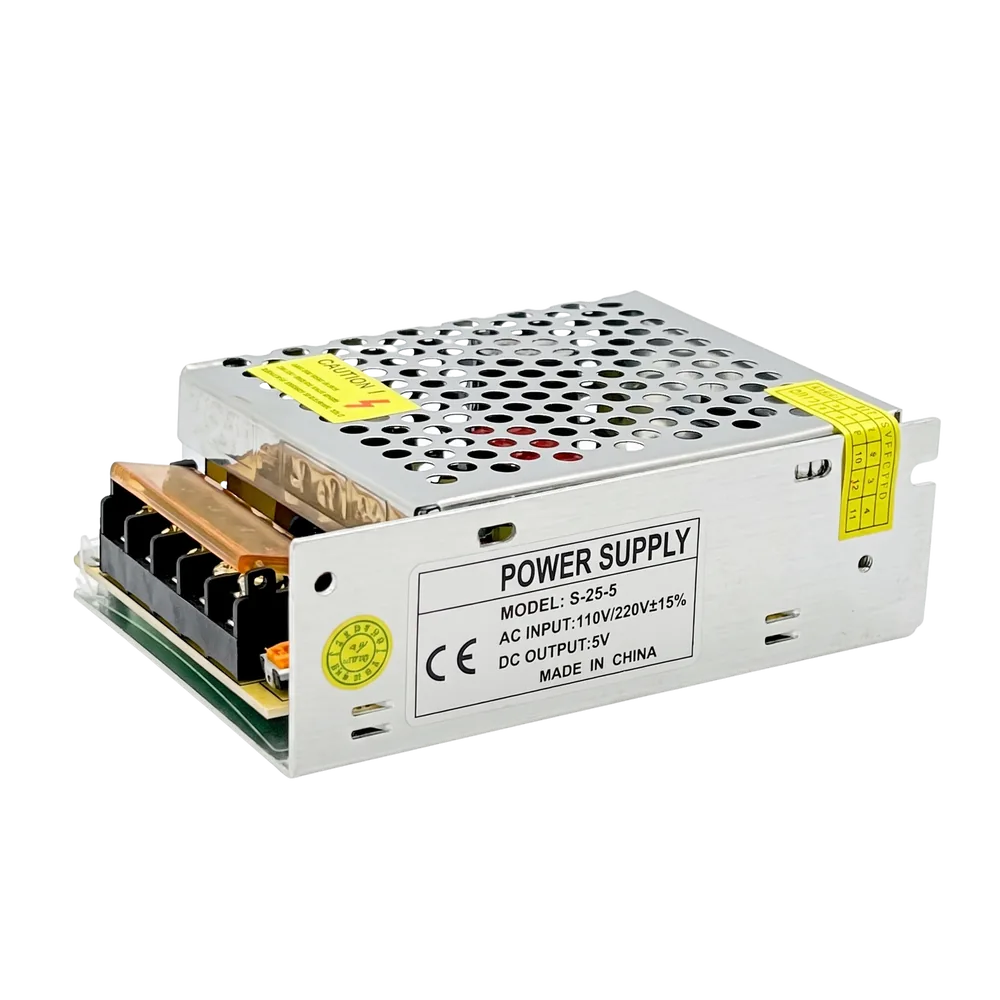
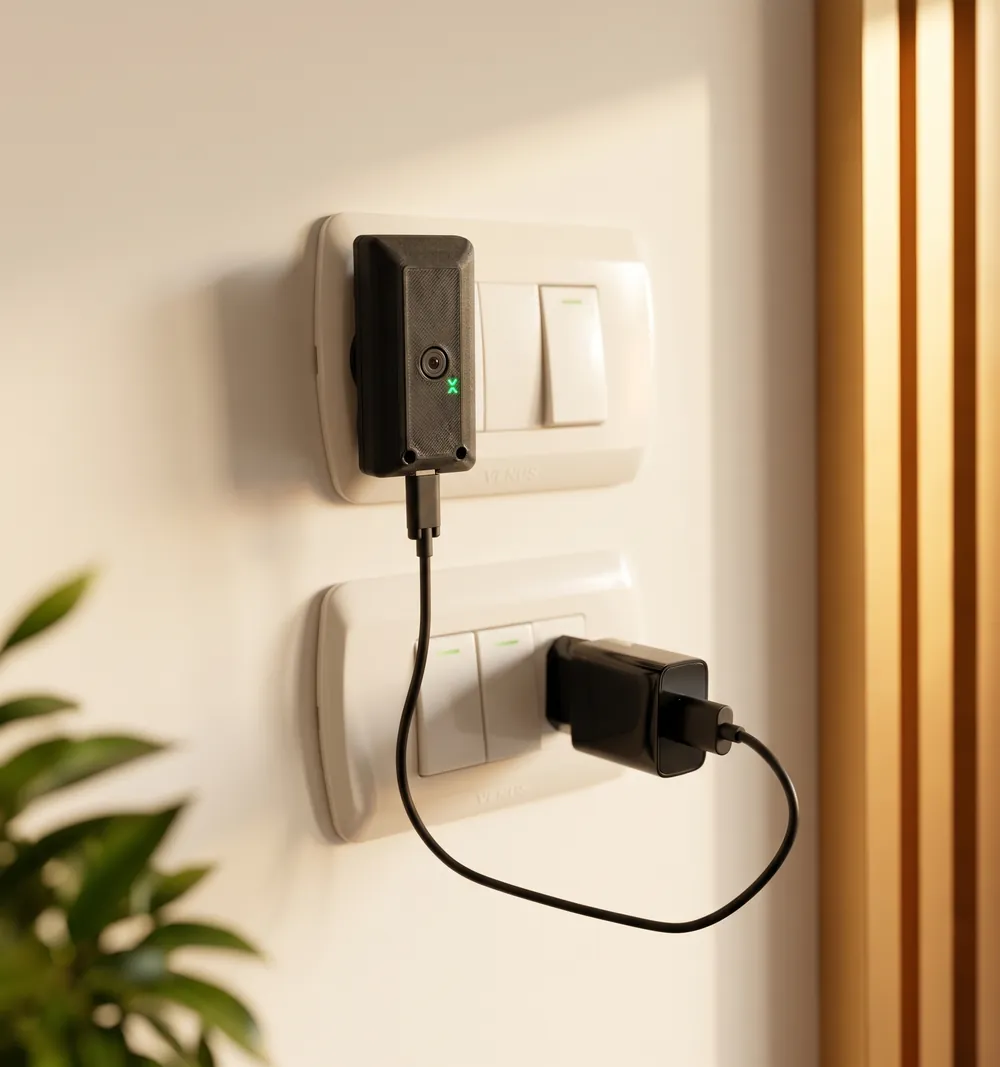
Set up in a few minutes
Mount it, point it, and let the browser do the rest.
- Plug it in and set it in front of your TV.
- Join its WiFi, then pick your own network.
- Mark the corners of your screen to crop the view.
- Calibrate white balance. You're done.
Questions
Will it work with my TV?
If Lumiro can see your screen, yes. It never touches your HDMI, your HDCP or your set-top box — and it works just as well on a monitor or a projector.
Does it need the internet?
No. It runs on your own network and processes the picture on the device, so your video never leaves your home.
Do I need an app or an account?
Neither. Setup opens in a browser, and there's nothing to sign up for.
How much is it, and how do I pay?
Priced in EGP with delivery across Egypt and cash on delivery. Current pricing and stock are on the order page.
The whole room, in full color.
Ready to see it on your own TV?
- Cairo shipping
- Cash on delivery
- Prices in EGP